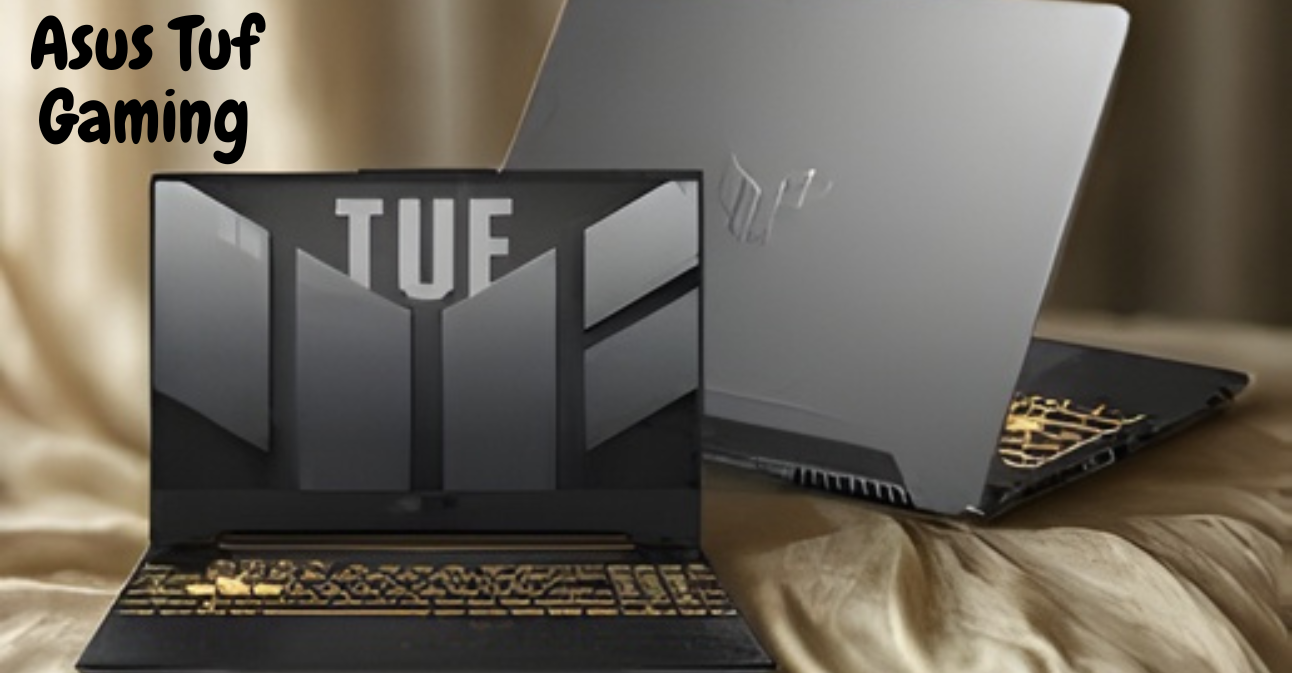
The Asus TUF Gaming lineup combines resilient design with practical aesthetics, favoring military-inspired looks, reinforced chassis materials, and keyboards built for long gaming or typing sessions. Laptops undergo MIL-STD-810H/G testing for drops, vibration, temperature, and humidity, while hinges, ports, and internal frames are reinforced to endure repeated use.
Displays are IPS-based for wider viewing angles, with refresh rates ranging from 60 Hz on entry models to 144–240 Hz for competitive gaming, and QHD panels available on higher-end configurations. Adaptive sync support reduces tearing for smoother gameplay, while mid-tier displays achieve around 90% sRGB coverage, with higher-tier units offering improved color calibration.
On the performance side, TUF laptops use modern CPUs and GPUs from AMD and Intel/Intel and NVIDIA/AMD, with dual-channel RAM and M.2 NVMe storage, enabling sustained framerates and efficient workload handling.
Performance modes like Quiet, Balanced, Performance, and Turbo give users control over fan profiles and power limits, balancing acoustics, battery life, and maximum gaming performance. Asus complements its hardware with software tools, including Armory Crate, GameVisual presets, MyAsus utilities, and firmware updates, while standard security features like TPM modules and Windows Hello support protect users.
| Feature | Key Points |
| Design Philosophy | Military-inspired, resilient, practical aesthetics |
| Chassis & Materials | Reinforced plastics and metal; higher-tier models use aluminum/magnesium. |
| Durability | MIL-STD-810H/G certified; reinforced ports and hinges |
| RGB & Keyboard | Subtle per-key or single-zone RGB; long key travel keyboards |
| Display | IPS panels; 60–240 Hz; QHD on high-end; adaptive sync; ~90% sRGB mid-tier |
| CPU & GPU | Entry: Ryzen/Intel + GTX 1650; Mid: Ryzen 5/7 or i5/i7 + RTX 3050/3060; High: RTX 40-series + top CPUs |
| RAM & Storage | Dual-channel RAM; M.2 NVMe SSDs; higher-tier: multiple slots & 2.5-inch bays |
| Performance Modes | Quiet, Balanced, Performance, Turbo; adjust fan & power limits |
| Software | Armory Crate, GameVisual presets, MyAsus utilities |
| Security | TPM, Windows Hello fingerprint (select models) |
| Target Users | Budget-conscious gamers, students, and entry-level creators |
| Pros | Durable, upgradeable, sustained performance, good value |
| Cons | Mid-range displays, fan noise at full load, plastic in chassis |
Asus Tuf Gaming

The Asus TUF (The Ultimate Force) Gaming lineup has carved a distinct place in the gaming laptop and desktop ecosystem by balancing durability, performance, and price. Originally launched with a focus on ruggedness and value, the TUF brand has grown into a family of devices that deliver dependable gaming experiences without the premium cost of Asus’s ROG (Republic of Gamers) series.
Design and Build Quality
Design Philosophy
TUF’s design emphasizes resilience and practical aesthetics, avoiding flashy RGB-heavy designs in favor of a more restrained, military-inspired look.
Chassis and Materials
Many TUF laptops use a combination of reinforced plastics and metal sections, balancing cost, weight, and structural rigidity. Higher-tier models may feature aluminum or magnesium alloy, while entry-level models rely on textured polycarbonate with reinforced internal frames.
Durability and Military-Grade Testing
TUF laptops often undergo MIL-STD-810H or MIL-STD-810G testing for drops, vibration, humidity, and temperature. Ports and hinges are reinforced to withstand repeated use, though plastic surfaces may show scuffs or flex over time.
Aesthetics and RGB Lighting
The TUF line emphasizes muted colors, angular accents, and subtle textures. RGB lighting is typically per-key or single-zone, customizable through Asus Armory Crate, providing a disciplined, functional look.
Keyboard Design
TUF keyboards prioritize long key travel, consistent feedback, and layouts suited for extended gaming or typing sessions rather than ultra-thin, low-profile keys.
Overall Appeal
The design favors function and longevity, making TUF laptops suitable for users seeking a durable, capable gaming rig that also looks presentable in everyday settings.
Display: Panels, Color Accuracy, and Refresh Rates
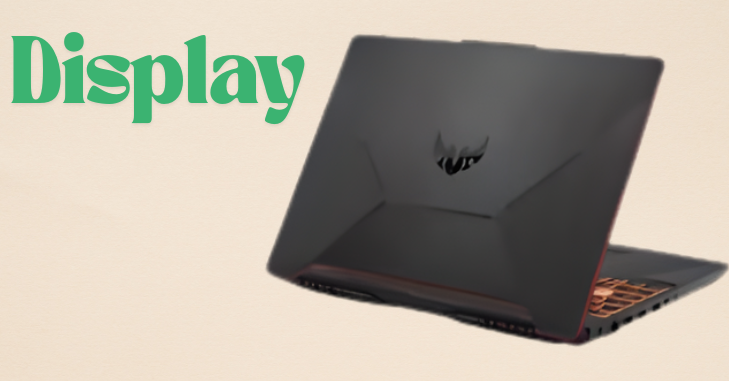
- TUF laptops offer value-focused displays that balance refresh rate and resolution, ranging from 60 Hz IPS FHD panels to 144–240 Hz panels, with some QHD options.
- IPS panels are preferred for wider viewing angles and more accurate color reproduction compared to TN or VA panels.
- Higher refresh rates (144–240 Hz) provide smoother motion for competitive gaming, while 60–120 Hz panels suit casual gaming.
- Color accuracy varies; mid-tier models cover ~90% sRGB, suitable for casual editing, while higher-end units offer better calibration and wider gamuts.
- Brightness is adequate for indoor use but limited outdoors due to mid-range luminance and glossy screens.
- Many TUF displays support adaptive sync (G-Sync or FreeSync) to reduce tearing and stutter, enhancing smooth gameplay.
Beyond specifications, the display quality of Asus TUF laptops plays a significant role in overall gaming immersion and responsiveness. Higher refresh rate panels not only make fast-paced games feel smoother but also provide a competitive advantage in esports titles by reducing motion blur and input lag.
Meanwhile, IPS technology ensures consistent color and clarity from different viewing angles, making the laptop suitable not just for gaming but also for content consumption and light creative work. Although mid-range color accuracy may not satisfy professional designers, it remains more than adequate for everyday gaming, streaming, and productivity tasks.
Performance: CPU, GPU, RAM, and Storage
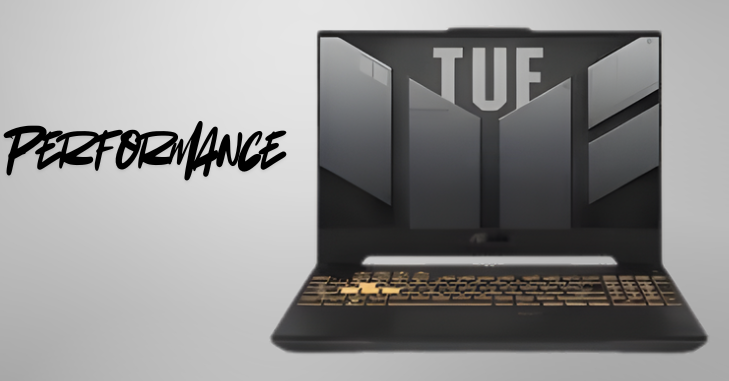
TUF laptops prioritize performance-per-dollar by pairing modern CPUs and discrete GPUs from AMD/Intel and NVIDIA/AMD across different tiers. Entry-level models use Ryzen or Intel Core CPUs with GTX 1650-class GPUs; mid-range systems feature Ryzen 5/7 or Intel i5/i7 CPUs with RTX 3050/3060-class GPUs; and higher-end laptops support RTX 40-series mobile GPUs with top-tier processors for gaming and content creation.
The line emphasizes sustained real-world performance rather than peak theoretical speeds, with tuned CPU/GPU clocks and thermal profiles to maintain stable framerates during extended sessions. Dual-channel RAM and M.2 NVMe SSDs are standard, with higher-tier models offering multiple M.2 slots and sometimes 2.5-inch bays for easy storage expansion. SSD speeds are typical for NVMe drives, with Gen4 or high-capacity options in premium configurations.
Software-accessible performance modes allow users to adjust power and cooling profiles. Switching to Performance or Turbo mode increases fan noise and power consumption but provides more headroom for sustained workloads, enabling users to balance battery life, acoustics, or maximum gaming performance.
Software and Features
Armory Crate Software Suite
Asus packages TUF systems with Armory Crate, a unified app for system monitoring, lighting customization, performance modes, and game library management. Users can switch between Quiet, Balanced, Performance, and Turbo modes to control power limits and fan behavior, while RGB lighting options allow for per-zone or underglow customization.
Additional Utilities
Beyond the Armory Crate, TUF laptops include drivers, GameVisual display presets, and utility apps for battery health and firmware updates. GameVisual presets provide genre-specific display profiles, and the MyAsus app assists with maintenance, warranty checks, and troubleshooting. Some users find Armory Crate resource-heavy, though Asus has improved stability and allows disabling or uninstalling certain features.
Security and Management
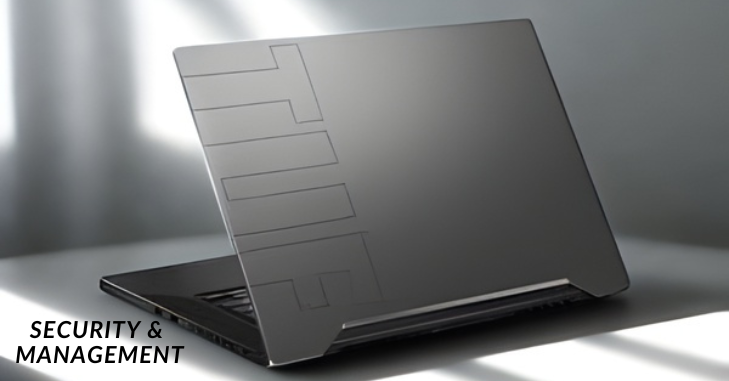
TUF laptops feature standard security measures, including TPM modules for secure boot and Windows Hello support via fingerprint scanners on select models. Biometric features are more common in higher-tier models, and overall security is comparable to other consumer gaming laptops rather than business-class devices.
Conclusion
The Asus TUF Gaming series offers a compelling balance of durability, performance, and value. With a pragmatic focus on structural resilience, user-upgradeability, and sustained performance, TUF laptops serve a broad audience: budget-conscious gamers, students, and entry-level creators who want a dependable machine without paying a premium for extravagant extras.
While there are trade-offs in variable display quality, noticeable fan noise at full tilt, and plastic in chassis construction, these are often acceptable compromises for buyers prioritizing long-term reliability and sensible performance. For anyone seeking a tough, well-rounded gaming laptop that delivers strong performance per dollar and allows for upgrades over time, the Asus TUF line remains a solid, sensible choice.
Want to know about Find Gaming Gear Gamemakerblog Buying Guide: Key Features, Performance, and Compatibility for Serious Gamers Check out our Gaming category.
FAQs
The ASUS TUF Gaming A15 has the power to handle tough fights and long gaming sessions, but it does give up some things to keep the price low. The display is one of the most obvious trade-offs. The 15.6-inch IPS panel with a refresh rate of 144Hz won’t be as good as the best.
Is the ASUS ROG better than the TUF? Yes, ASUS ROG laptops usually have better performance, display quality, and high-end features. They are made for high-end gaming and making content.
The Asus TUF Gaming T500 is a small desktop that has a mobile processor and a separate graphics card. This cute and efficient rig is great for gaming at 1080p, but its CPU, motherboard, power supply, and cooling system make it hard to upgrade in the future.
POWERFUL COOLING – Equipped with 2nd Gen Arc Flow Fans, full-width exhaust vent, heatsink, and an integrated dust filter, the TUF Gaming A16 optimizes cooling performance without losing its cool.