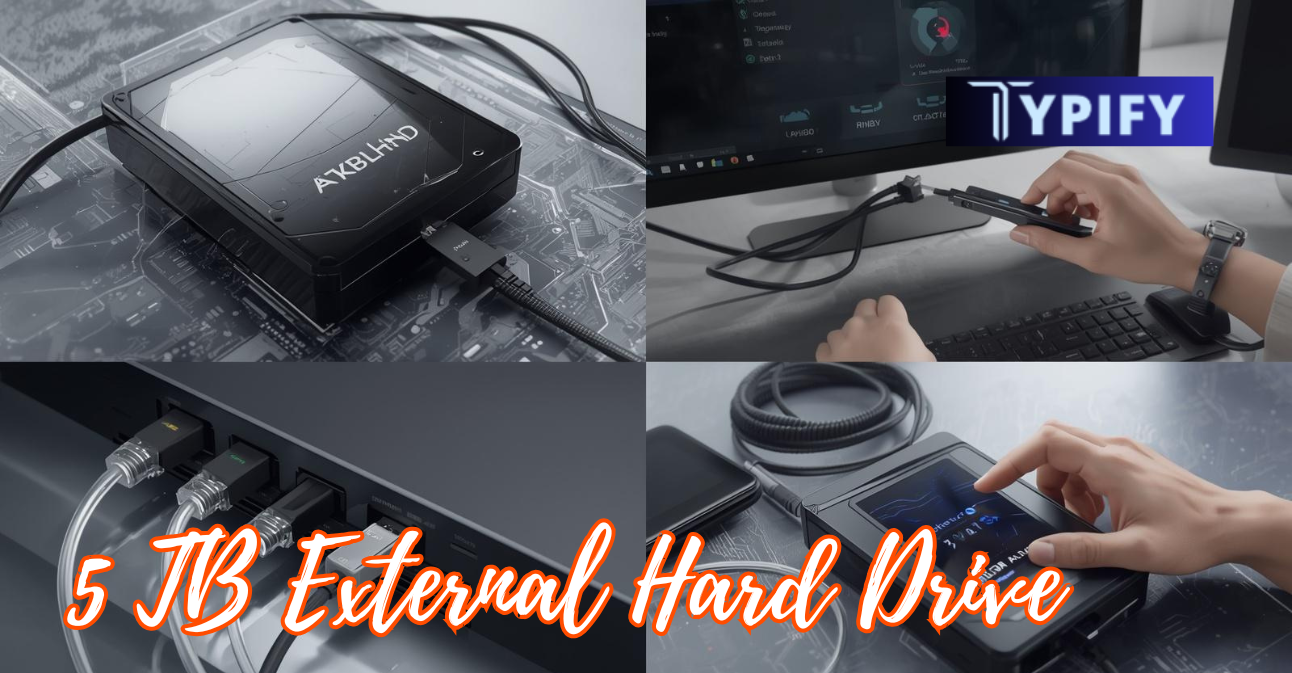
In today’s digital world, managing and storing large amounts of data efficiently has become essential. From high-resolution videos, professional photography, and expansive gaming libraries to important work documents and personal backups, our digital files are growing faster than ever. A 5 TB external hard drive is a powerful solution to this problem.
Many people underestimate how quickly storage needs can pile up, and running out of space can lead to frustration, lost productivity, or even accidental data loss. Offering enormous storage capacity while remaining portable and easy to use, these drives are ideal for anyone seeking reliable, flexible storage.
In this guide, we’ll explore everything you need to know about 5 TB external hard drives, from choosing the right type and setting it up properly to optimizing performance and maintaining it for long-term reliability. By the end, you’ll know how to get the most out of your external storage and protect your valuable data for years to come.
Key Features and Uses of 5 TB External Hard Drives
| Feature / Aspect | Description |
|---|---|
| Storage Capacity | Offers up to 5,000 GB of space for large files |
| Portability | Compact design makes it easy to carry anywhere |
| Compatibility | Works with Windows, Mac, and Linux (with formatting) |
| Connection Type | Typically uses USB 3.0, USB 3.1, or Thunderbolt |
| Data Backup | Ideal for storing backups of important files |
| Media Storage | Perfect for movies, music, and photos |
| Gaming Storage | Stores large AAA game libraries |
| File Transfer Speed | Faster with USB 3.0 and above |
| HDD Option | Cost-effective for bulk storage |
| SSD Option | Faster performance and durability |
| Durability | SSDs are more shock-resistant than HDDs |
| Setup Process | Simple plug-and-play functionality |
| Formatting Options | NTFS, exFAT, or APFS, depending on OS |
| Security Features | Some drives include password protection |
| Cooling Needs | Requires proper ventilation during heavy use |
| Data Organization | Supports folder-based file management |
| Backup Strategy | Can be used with cloud backups for extra safety |
| Lifespan | Typically lasts 3–10 years, depending on usage |
| Maintenance | Requires safe ejection and periodic checks |
| Error Checking | Tools like chkdsk or Disk Utility help detect issues |
| Power Source | Powered via USB in most cases |
| Noise Level | HDDs produce slight noise; SSDs are silent |
| Price Range | More affordable than high-capacity SSDs |
| Use Case Flexibility | Suitable for personal and professional use |
| Data Recovery | Supports recovery via software or professional services |
Why a 5 TB External Hard Drive Makes Sense?
A 5 TB external hard drive strikes the perfect balance between storage capacity and affordability. Here’s why it’s so popular:
- Massive Storage: 5 TB gives you roughly 5,000 GB of space; enough for thousands of photos, hours of 4K video, or entire gaming collections.
- Portability: Unlike internal drives, external drives are compact and easy to carry, and they connect via USB or Thunderbolt.
- Data Security: They enable offline backups, keeping your data safe from online threats such as hackers and ransomware.
- Compatibility: Most drives work across Windows, Mac, and Linux with a simple formatting adjustment.
- Cost-Effective: Compared to similarly sized SSDs, 5 TB HDDs are budget-friendly, making them ideal for large-scale storage needs.
Whether you’re a videographer storing raw footage, a gamer managing a library of games, or a student backing up research, a 5 TB external hard drive is a smart investment.
A major advantage of a 5 TB external hard drive is its flexibility in handling both everyday and professional workloads, making it suitable for a wide range of users. It can efficiently store large multimedia files such as 4K videos, RAW images, and high-end games while also serving as a reliable backup solution for important documents and system data. With modern USB 3.0 and higher connectivity, these drives ensure smooth data transfer speeds, while compatibility across multiple operating systems makes them highly versatile.
Additionally, users can choose between HDDs for cost-effective storage and SSDs for faster performance, allowing them to match the drive to their specific needs without compromising on capacity or reliability.
Types of 5 TB External Hard Drives
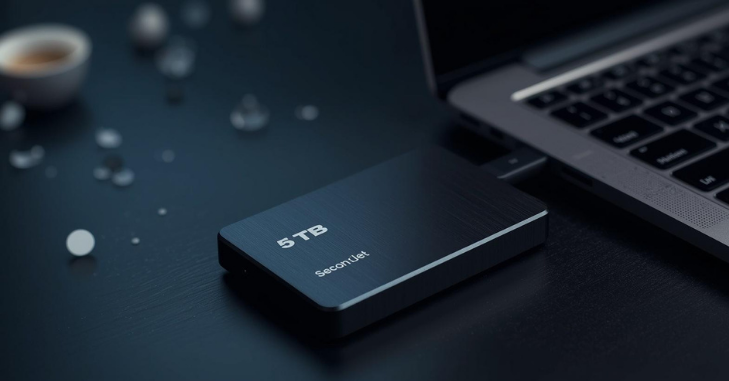
When shopping for a 5 TB external drive, you’ll generally find two main types:
1. HDD (Hard Disk Drive)
- Traditional spinning disks.
- More affordable for large storage sizes.
- Ideal for long-term storage, backups, and archiving.
- Slightly slower read/write speeds compared to SSDs.
2. SSD (Solid State Drive)
- Uses flash memory with no moving parts.
- Much faster read/write speeds; great for editing videos or running games directly from the drive.
- More durable and resistant to physical shocks.
- Higher price for the same storage capacity.
Pro Tip: Many professionals combine the two: an SSD for active projects and an HDD for backups.
How to Set Up Your 5 TB External Hard Drive?
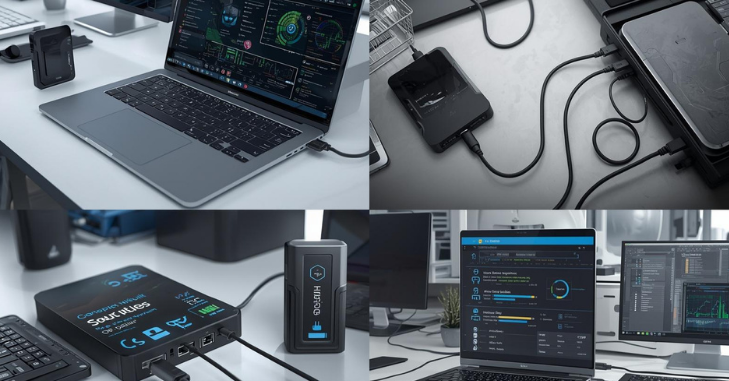
Proper setup ensures your drive works efficiently and lasts longer. Here’s how:
Step 1: Check Compatibility
Make sure your drive works with your operating system. Most 5 TB drives are plug-and-play with USB 3.0 or 3.1. Thunderbolt drives are compatible with Macs and some PCs.
Step 2: Format the Drive
- Windows: Right-click the drive → Format → NTFS (Windows only) or exFAT (cross-platform).
- Mac: Use Disk Utility → Format → APFS (Mac only) or exFAT (cross-platform).
Step 3: Connect the Drive
Use the cable included with your drive. Avoid hubs when possible to maintain maximum transfer speed.
Step 4: Organize Your Data
Create folders for different file types (e.g., Videos, Photos, Documents) and use clear naming conventions to make files easy to find.
Tips to Optimize Performance
Even a high-quality 5 TB external hard drive can slow down without proper care. Here’s how to keep it performing at its best:
- Use the Fastest Ports: Connect via USB 3.0 or 3.1 for high-speed transfers; older USB 2.0 ports can slow things down.
- Defragment Regularly (HDD Only): Use built-in OS tools to improve access speed. SSDs do not require defragmentation.
- Keep It Cool: Avoid heat and direct sunlight; use a cooling pad if you’re transferring large files for long periods.
- Separate Active Projects and Backups: Don’t mix backup files with active projects to maintain speed.
- Enable Write Caching (Optional): Boosts transfer speeds, but make sure to eject the drive safely to prevent data loss.
Maintenance Tips for Longevity
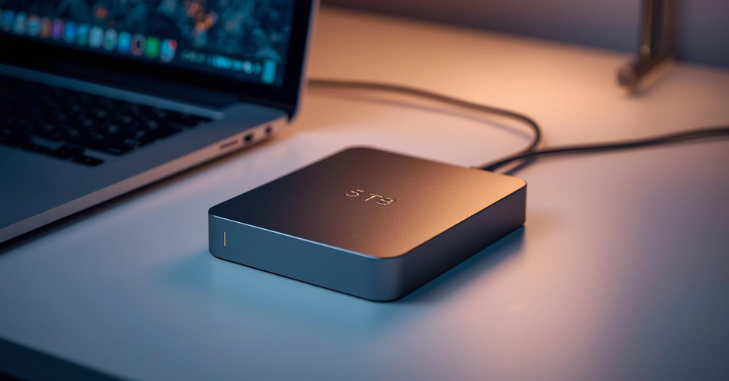
Your 5 TB external hard drive is a long-term investment. Proper care will keep it reliable for years:
- Safely Eject the Drive: Always use your OS’s “Safely Remove” function to avoid corrupting files.
- Keep Backups: Even external drives can fail. Consider a secondary backup, ideally in the cloud.
- Avoid Physical Shock: Don’t drop or shake the drive, especially HDDs, which are sensitive to movement.
- Update Firmware: Manufacturers release updates to improve performance and security.
- Check for Errors: Use tools like chkdsk (Windows) or Disk Utility (Mac) to identify potential issues early.
Common Uses for a 5 TB External Hard Drive
- Content Creation: Perfect for video editors, photographers, and designers storing raw footage and high-res images.
- Gaming: Modern games can exceed 100 GB each; a 5 TB drive can handle dozens of AAA titles.
- Data Backup: Students and professionals can safeguard research, documents, and personal files.
- Media Storage: Store movies, music, and TV shows without relying on the internet.
- Cross-Platform Use: Drives formatted in exFAT let you switch easily between Mac and Windows.
How to Recover Lost Data?
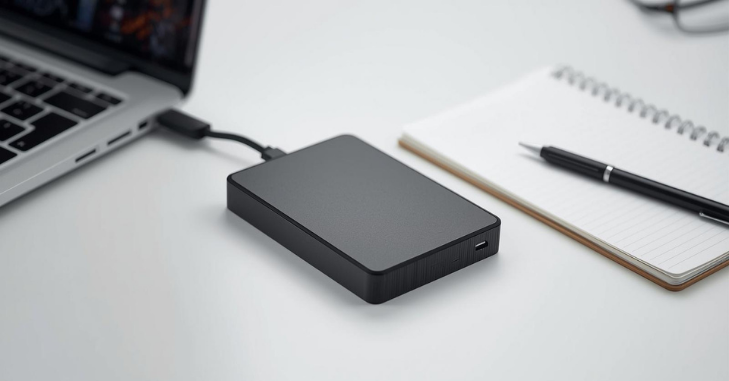
Even with care, data loss can happen. Here’s how to recover files:
- Check Your OS: Sometimes files are just hidden or misplaced.
- Use Recovery Software: Programs like Recuva, EaseUS, or Disk Drill can recover lost files.
- Consult a Professional: If the drive is physically damaged, a data recovery service may be needed.
Pro Tip: Don’t add new files to a drive with lost data; it reduces the chances of recovery.
Recommended Brands and Models
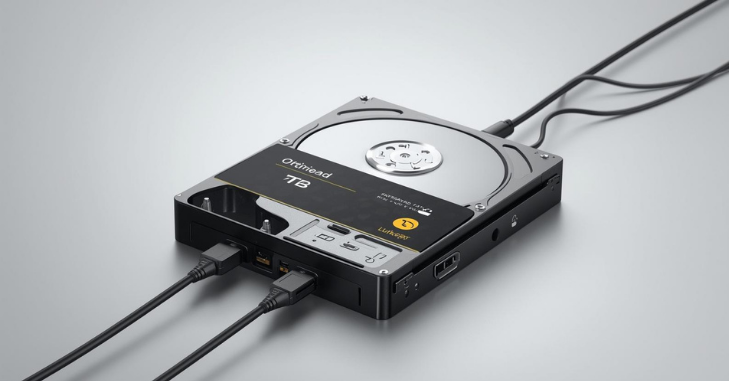
Some of the most reliable 5 TB external drives include
- Western Digital My Passport 5 TB: Durable, portable, and password-protected.
- Seagate Backup Plus 5 TB: Ideal for backups, works on Windows and Mac.
- Samsung T7 5 TB SSD: High-speed SSD for creative work.
- LaCie Rugged 5 TB: Shock-resistant, great for fieldwork and travel.
Choose a brand based on whether you prioritize speed (SSD) or budget (HDD).
Conclusion
A 5 TB external hard drive is more than just a storage device; it’s a reliable solution for managing and protecting your growing digital files. From high-resolution videos and gaming libraries to work documents and personal backups, it gives you the space and flexibility to organize everything efficiently.
Choosing the right type of drive, whether an HDD for cost-effective bulk storage or an SSD for speed and durability, ensures it fits your specific needs. With proper setup, optimization, and regular maintenance, your drive can deliver consistent performance for years.
Investing in a quality 5 TB external hard drive also brings peace of mind. It safeguards your valuable data, streamlines your workflow, and helps future-proof your digital life. By following best practices such as safely ejecting the drive, maintaining backups, and monitoring for errors, you can protect your files while enjoying fast, reliable storage. Whether you’re a gamer, content creator, or professional, a 5 TB drive is a versatile tool that empowers you to manage your digital world with confidence and efficiency.
Want to know about 4TB HDD: High-Capacity, Reliable Storage Solution for Professionals, Gamers, and Multimedia Enthusiasts Check out our Tech category.
Frequently Asked Questions (FAQs)
Yes, if formatted as exFAT. NTFS is Windows-only, APFS is Mac-only.
HDDs usually last 3–5 years, SSDs 5–10 years, depending on use.
Most models are compact and lightweight, making them easy to carry in a bag.
Yes. SSDs read/write faster and are more durable, but cost more.
Use USB 3.0, defragment the HDD (if any), avoid heavy multitasking, and keep the drive cool.