A 27 inch monitor has become one of the most preferred display choices for users seeking a balance between performance, comfort, and screen space. Whether used for gaming, office tasks, or creative work, this monitor size offers enough room for multitasking while maintaining a comfortable viewing experience.
With modern features such as higher resolutions, improved refresh rates, and advanced panel technologies, a 27-inch monitor delivers both visual quality and versatility. Its growing popularity reflects its ability to meet the needs of a wide range of users, making it a practical and efficient solution for everyday computing and professional use.
| Category | Details |
| Screen Size | 27 inches |
| Best For | Gaming, office work, content creation, multimedia |
| Ideal Resolution | QHD (1440p), 4K for professional use |
| Refresh Rate Range | 60Hz to 144Hz+ |
| Panel Types | IPS, TN, VA |
| Key Features | High resolution, fast refresh rate, color accuracy, eye-care technology |
| Connectivity Options | HDMI, DisplayPort, USB ports |
| Main Benefits | Better multitasking, immersive experience, improved comfort |
| Common Drawbacks | Requires desk space, higher cost for advanced models |
| Target Users | Gamers, professionals, students, and general users |
| Overall Advantage | Balanced size with strong performance and versatility |
27 Inch Monitor
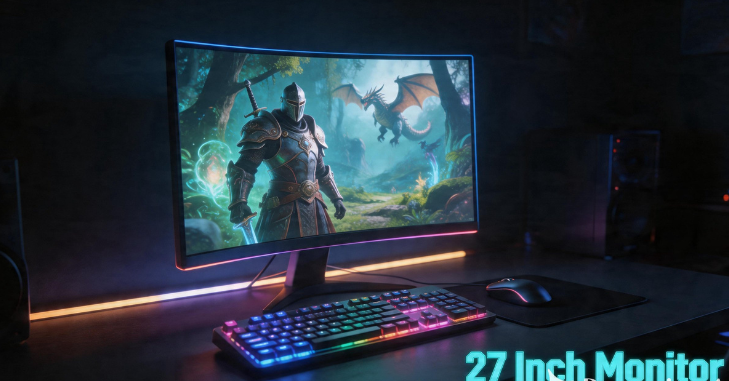
A 27-inch monitor is one of the most popular display sizes because it offers a perfect balance between screen space, comfort, and versatility. It is large enough to support multitasking, gaming, and professional work while still fitting comfortably on most desks without overwhelming the setup.
With modern advancements in display technology, many 27 inch monitors come with high resolutions such as QHD or 4K, along with features like fast refresh rates, accurate color reproduction, and eye-care technology.
This makes them suitable for a wide range of users, including students, office workers, gamers, and content creators, as they offer a more immersive and efficient viewing experience than smaller screens.
Why Choose a 27 Inch Monitor?
Choosing the right monitor size can greatly affect comfort and productivity. A 27-inch monitor sits perfectly between smaller displays and ultra-wide screens, offering a balance that suits most users. It provides enough screen space to multitask efficiently, such as working on documents while browsing the internet or editing images while referencing other materials.
Another reason for its popularity is its viewing comfort. The screen is large enough to reduce eye strain by allowing users to sit at a comfortable distance without squinting or constantly adjusting their posture. At the same time, it is not so large as to overwhelm the workspace. This makes it ideal for both home and office setups.
Ideal Uses of a 27 Inch Monitor
- Gaming Experience: A 27-inch monitor is widely considered one of the best sizes for gaming. It provides a large field of view without requiring excessive head movement. Combined with high refresh rates and fast response times, it delivers a smooth, immersive gaming experience. Gamers can enjoy detailed graphics, responsive controls, and enhanced realism, especially in modern games that support advanced visual technologies.
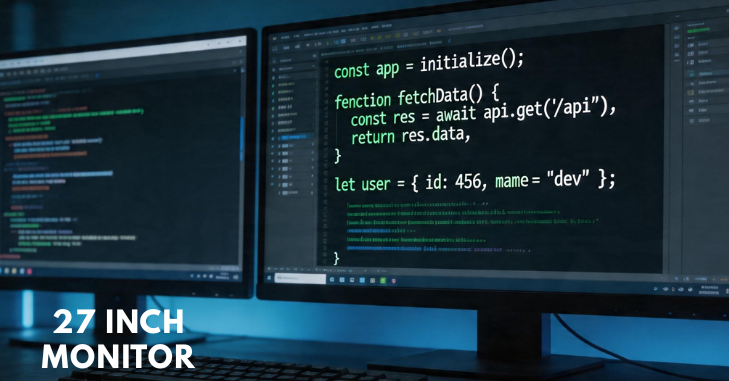
- Office and Productivity Work: For office work, a 27-inch monitor offers significant advantages. The extra screen space allows users to open multiple windows side by side, improving efficiency and reducing the need to switch between applications. Tasks such as data analysis, document editing, and online meetings become more manageable and comfortable.
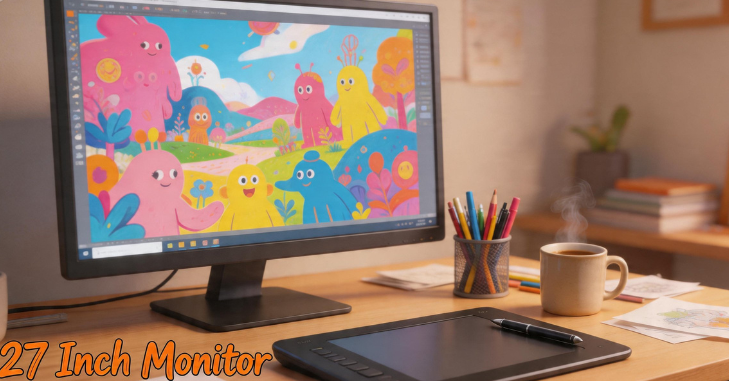
- Graphic Design: Professionals involved in graphic design, video editing, and photography benefit greatly from the larger display. A 27-inch monitor provides better clarity and workspace for editing tools, timelines, and previews. When paired with higher resolutions like QHD or 4K, it delivers sharp visuals and accurate colors, which are essential for creative work.
Key Features to Consider
Screen Resolution
Resolution plays a critical role in determining image quality. On a 27-inch monitor, Full HD may appear less sharp than higher resolutions. QHD (1440p) is often considered the ideal choice, offering a balance between clarity and performance. For professionals, 4K resolution provides exceptional detail and precision, making it suitable for high-end tasks.
Refresh Rate and Response Time
The refresh rate determines how smoothly images appear on the screen. Higher refresh rates, such as 120Hz or 144Hz, are especially beneficial for gaming, as they provide smoother motion and reduce screen tearing. Response time is equally important because it affects how quickly pixels change color. Lower response times result in less motion blur and sharper visuals during fast-moving scenes.
Panel Type
Different panel types offer different advantages. IPS panels are known for their excellent color accuracy and wide viewing angles, making them ideal for creative work. TN panels are faster and more affordable, but may have limited color quality. VA panels provide better contrast and deeper blacks, which are great for media consumption and gaming.
Connectivity Options
Modern monitors come with a variety of connectivity options, including HDMI, DisplayPort, and USB ports. These options ensure compatibility with various devices, including computers, gaming consoles, and laptops. Some monitors also include built-in speakers and USB hubs, enhancing user convenience.
Benefits of Using a 27 Inch Monitor
One of the main benefits of a 27-inch monitor is its versatility. It can be used for a wide range of tasks, from professional work to entertainment. The larger screen size enhances productivity by allowing users to view more content at once. This reduces the need for multiple monitors and simplifies workspace setup.
Another advantage is improved visual comfort. The larger display reduces eye strain and makes it easier to read text and view images. This is particularly important for people who spend long hours in front of a screen.
A 27-inch monitor also enhances the overall user experience. Whether watching movies, playing games, or browsing the internet, the bigger screen provides a more immersive and enjoyable experience. The combination of size and modern features makes it a valuable investment for many users.
Drawbacks and Limitations
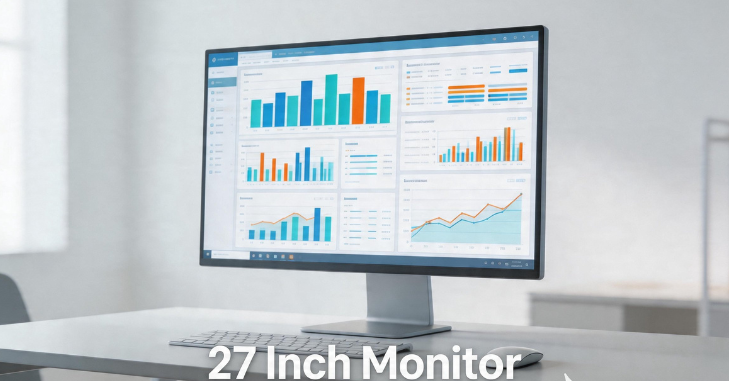
- Despite its many advantages, a 27-inch monitor is not without limitations. One potential drawback is desk space. While it is not excessively large, it still requires enough room to be placed at a comfortable viewing distance. Users with smaller desks may find it slightly overwhelming.
- Another limitation is resolution dependency. At 27 inches, lower resolutions like Full HD may not deliver the best visual quality, resulting in less sharp images. This means users may need to invest in higher-resolution models, which can be more expensive.
- Additionally, high-end 27-inch monitors with advanced features such as 4K resolution or high refresh rates can be costly. This may not be ideal for users on a tight budget.
Best Resolution for a 27 Inch Monitor
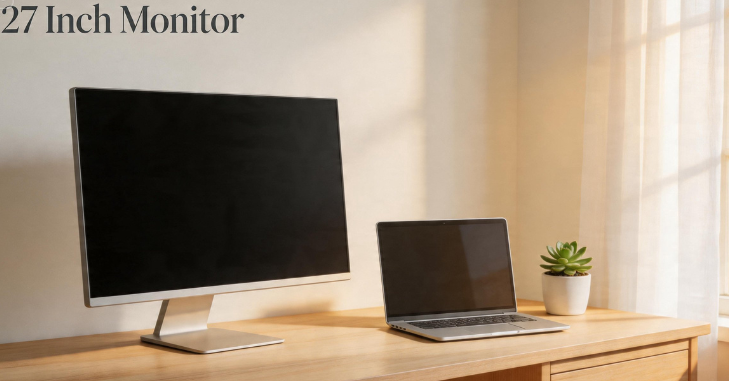
Choosing the right resolution is essential for maximizing the benefits of a 27-inch monitor. QHD resolution is widely considered the sweet spot, offering clear and sharp visuals without requiring extremely powerful hardware. It is suitable for both gaming and productivity tasks.
For users who require the highest level of detail, such as designers and video editors, 4K resolution is an excellent choice. It provides stunning clarity and allows for precise editing. However, it may require more powerful hardware to run smoothly.
Full HD resolution can still be used, but it may not fully utilize the potential of a 27-inch screen. As a result, many users prefer higher resolutions for better visual quality.
Conclusion
A 27-inch monitor is a versatile and practical choice for a wide range of users. It offers the perfect balance between size, performance, and usability, making it suitable for gaming, professional work, and everyday tasks.
With advancements in technology, modern 27-inch monitors provide impressive features such as high resolutions, fast refresh rates, and enhanced color accuracy. While there are some limitations, such as cost and space requirements, the benefits far outweigh the drawbacks for most users.
By carefully considering factors such as resolution, panel type, and intended use, individuals can choose a monitor that best fits their needs. Ultimately, a 27-inch monitor represents a smart investment that can significantly enhance productivity, comfort, and overall digital experience.
Want to know about NVIDIA 5000 Series Could Explained: Release Date, Specs, Performance Leaks, and 10 Features That Change Gaming Forever Check out our Tech category.
FAQs
If you sit between 24 and 36 inches (60 and 90 cm) away from the screen, a 27-inch monitor is a good choice. If you sit between 28 and 42 inches (70 and 105 cm) away, a 32-inch monitor is a good choice. You can choose either size if you sit about 30 inches away from the screen.
LED monitors are generally better than traditional LCD monitors, offering superior picture quality, higher contrast, better energy efficiency, and a slimmer, lighter design. While both use liquid crystals, LED monitors use light-emitting diodes for backlighting, providing deeper blacks, faster response times for gaming, and improved color accuracy.
22 to 24 inches: small and fits on most desks. 24 to 27 inches: A good size for long-term use. 27 to 32 inches is the best size for doing more than one thing at once or working on two screens at once.
It’s not; it’s just that at that size, you can get away with 1440p, achieve better performance, and still have it look great. A 1080p 15-inch display will look very sharp, for example. The advantage of higher resolution is bigger screens. 27-28 inches, 4K isn’t too small; it’s really sharp.